Buttons
Buttons are also known as call to actions. Buttons are used in web applications to perform some kind of action. Buttons are one of the ways through which users interact with the applications.
Primary-buttons
Primary buttons are very important in every applications. These buttons should be used when we want the user to pay attention and click it.
Usage and code-snippet
To use the above shown buttons : You just have to copy the code
snippet below and paste it in your html file. Some of the styles here are :
- Primary large cta
- Primary small cta
- Primary large outlined button
- Primary small outlined button
- Disabled button
Secondary-buttons
Secondary buttons are used when we do not want the user to pay much attention to these buttons or the action performed by clicking on these buttons.
Usage and code-snippet
To use the above shown buttons : You just have to copy the code
snippet below and paste it in your html file. Some of the styles here are :
- Secondary large cta
- Secondary small cta
- Secondary large outlined button
- Secondary small outlined button
- Secondary disabled button
Icon-buttons
These are the icon buttons which you can use in your application.You can use icons from boxicons as buttons by applying the following classes.
Usage and code-snippet
To use the above shown buttons : You just have to copy the code
snippet below and paste it in your html file. Some of the styles here are :
- Primary icon cta
- Secondary icon cta
Links
These are the clickable links that you can use in your applications
Usage and code-snippet
To use the above shown buttons : You just have to copy the code
snippet below and paste it in your html file. Some of the styles here are :
- Primary link
- Secondary link
Floating action button
These are the examples of some floating action buttons that you can use in your applications.You can use icons from boxicons inside these buttons.
Usage and code-snippet
To use the above shown buttons : You just have to copy the code
snippet below and paste it in your html file. Some of the styles here are :
- Primary floating action button
- Secondary floating action button
Alerts
Alerts contain some crucial information which is needed to be conveyed to the user.
Usage and code-snippet
To use the above shown alerts : You just have to copy the code snippet
below and paste it in your html file. Some of the styles here are :
- Information alert
- Error alert
- Success alert
- Warning alert
Badges
Badges are used to complement other elements in an application. They are generally used to showcase user count or any status info.
Icon badges
You can use icons from fontawesome or boxicons in this component.
Usage and code-snippet
To use the above shown icon badges : You just have to copy the code
snippet below and paste it in your html file. Some of the styles here are :
- Icon with a badge on top-left
- Icon with a badge on top-right
Avatar badges

Usage and code-snippet
To use the above shown avatars with badges : You just have to copy the
code snippet below and paste it in your html file. Some of the styles here are :
- Online avatar
- Offline avatar
- Busy avatar
Avatar
An avatar is a graphical representation of a user or the user's character. It can be used in navigation bars, user-profile, comments-section, etc.
Usage and code-snippet
To use the above shown avatars : You just have to copy the code snippet
below and paste it in your html file. Some of the styles here are :
- Large avatar
- Medium avatar
- Small avatar
- Extra small avatar
Image
Images are an important part of the web. Images are basically storytellers, they can complement the content on your web-application.
Responsive image
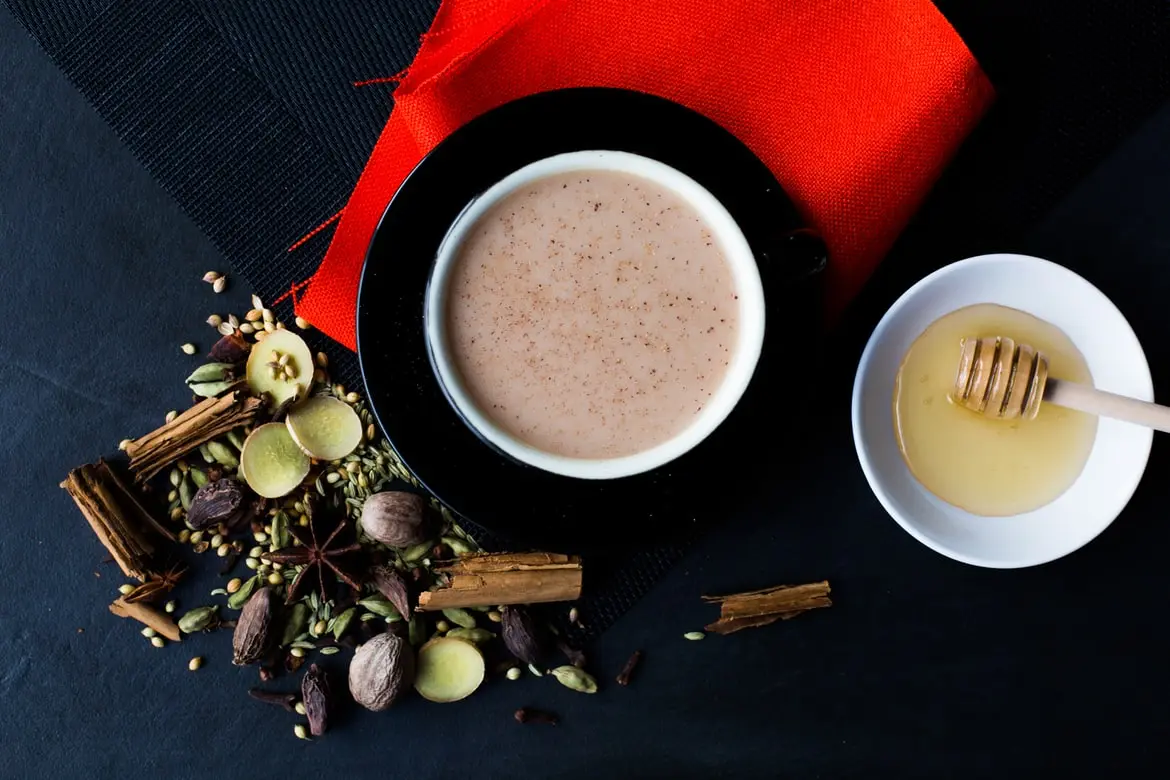
The image given below can adjust its size according to the container while maintaining its aspect ratio.
Usage and code-snippet
To use the above shown responsive image : You just have to copy the code snippet below and paste it in your html file.
Round image
Round images are circular.

Usage and code-snippet
To use the above shown round images : You just have to copy the
code
snippet
below and paste it in your html file. Some of the styles here are :
- Large image (150px x 150px)
- Medium image (100px x 100px)
Card
A card is a component which delivers content and its related actions to the user. It focuses on a single subject. Card components are used in ecommerce platforms,social media platforms etc.
Usage and code-snippet
To use the different variations of card component: You just have to copy
the code snippet
below and paste it in your html file. Some of the styles here are :
- Card with a badge
- Card with a dismiss badge
- Card with overlay
- Text-only card
- Horizontal Card
- Card with text on media
- Card with badges and box shadow
Card with a text badge
Our Product 1
by Company 1
Lorem ipsum dolor sit amet consectetur adipisicing elit. Ipsam magnam, repellat voluptates voluptas nemo dignissimo.
Card with a dismiss
Our Product 1
by Company 1
Lorem ipsum dolor sit amet consectetur adipisicing elit. Ipsam magnam, repellat voluptates voluptas nemo dignissimo.
Card with overlay
Our Product 1
by Company 1
Lorem ipsum dolor sit amet consectetur adipisicing elit. Ipsam magnam, repellat voluptates voluptas nemo dignissimo.
Text-only card
Our Product 1
Lorem ipsum dolor sit amet consectetur adipisicing elit. Ipsam magnam, repellat voluptates voluptas nemo dignissimo.
Horizontal card
Our Product 1
by Company 1
Lorem ipsum dolor sit amet consectetur adipisicing elit. Ipsam magnam, repellat voluptates voluptas nemo dignissimo.
Card with text on media
Our Product 1
by Company 1
Lorem ipsum dolor sit amet consectetur adipisicing elit. Ipsam magnam, repellat voluptates voluptas nemo dignissimo.
Card with box shadow
Our Product 1
by Company 1
Lorem ipsum dolor sit amet consectetur adipisicing elit. Ipsam magnam, repellat voluptates voluptas nemo dignissimo.
Input
Inputs are necessary in any web application for taking data from the user.
Normal Inputs
Textarea
Styled inputs (colors based on state/info)
Usage and code-snippet
To use the above shown inputs : You just have to copy the code snippet
below and paste it in your html file. Some of the styles here are :
- Normal inputs
- Textarea
- Styled inputs
Text-utilities
Text-utilities are basically building blocks of any web application.Using same text-utils throughout the project makes your project look consistent.
Headings
Heading 1
Heading 2
Heading 3
Heading 4
Heading 5
Usage and code-snippet
To use the above shown headings : you can directly use h1,h2,h3,h4,h5 tags or you can use the classes .h1,.h2,.h3,.h4,.h5 in your html.
Paragraph text with different sizes
Large text
Medium text
Small text
Extra small text
Extra extra small text
Usage and code-snippet
To use the above shown paragraph text :You just have to copy the code
snippet
below and paste it in your html file. Some of the styles here are :
- Large text
- Medium text
- Small text
- Extra small text
- Extra Extra small text
Gray text and center text
Medium text
Medium text(centered)
Usage and code-snippet
To use the above shown variations: You just have to copy the code snippet below and paste it in your html file.
Modal
Modal component is a small box that pops up to give some information to the user and then the user can take action based on that information.
Title
modal body text Lorem ipsum dolor sit amet consectetur adipisicing elit. Quam, iure suscipit.
Usage and code-snippet
To use the above shown modal: You just have to copy the code snippet below and paste it in your html file.
Ratings
Rating component is mostly used in an ecommerce platform. It can be read only or changeable.
Usage and code-snippet
To use the above shown rating components: You just have to copy the code snippet below and paste it in your html file.
Snackbar
Snackbars inform user about any action that the user has performed or is about to perform.
Usage and code-snippet
To use the above shown snackbar component: You just have to copy the code snippet below and paste it in your html file.
Lists
Lists are used all the time on the web. They are used in navbars,sidebars and many other components.
Spaced list
- List item 1
- List item 2
- List item 3
- List item 4
Stacked-list
- Notification 1
- Notification 2
- Notification 3
- Notification 4
Usage and code-snippet
To use the above shown lists :You just have to copy the code
snippet
below and paste it in your html file. Some of the styles here are :
- Spaced-list
- Stacked-list
Grids simplified
You can use these grids for basic layouts.
Two columns grid
Three columns grid
Grid auto fit
Usage and code-snippet
To use the above shown layouts : You just have to copy the code snippet
below and paste it in your html file. Some of the styles here are :
- Two columns grid
- Three columns grid
- Grid auto fit